Windows 10 & 11Free · open sourceNo bot joins your call
Yourmeetings,understood.
Insight listens on your own PC, writes the notes, answers from your files while people are still talking, and remembers every promise. And Pip lives on your desktop.
This is Pip. Grab it, throw it, right-click it. It comes with you as you scroll.
No bot joins your call Teams · Zoom · Meet · Webex Works offline after setup Gemma 4 on your GPU Open source · MIT Live answers with sources A pet on your desktop No bot joins your call Teams · Zoom · Meet · Webex Works offline after setup Gemma 4 on your GPU Open source · MIT Live answers with sources A pet on your desktop
Mic in. Notes out. Nothing leaves.
The speech model, the language model and the search index all run on your PC. Your meeting never takes a trip.
How it works
One short trip, all inside your PC.
Mic + PC audioEvery voice in the call
Gemma 4On your GPU
NotesWritten up for you
Speech
53
meeting languages, transcribed on your PC
Interface
39
interface languages, right-to-left included
It follows Windows
Your meetings, understood.
English
The launch film
Three minutes. Sound on.
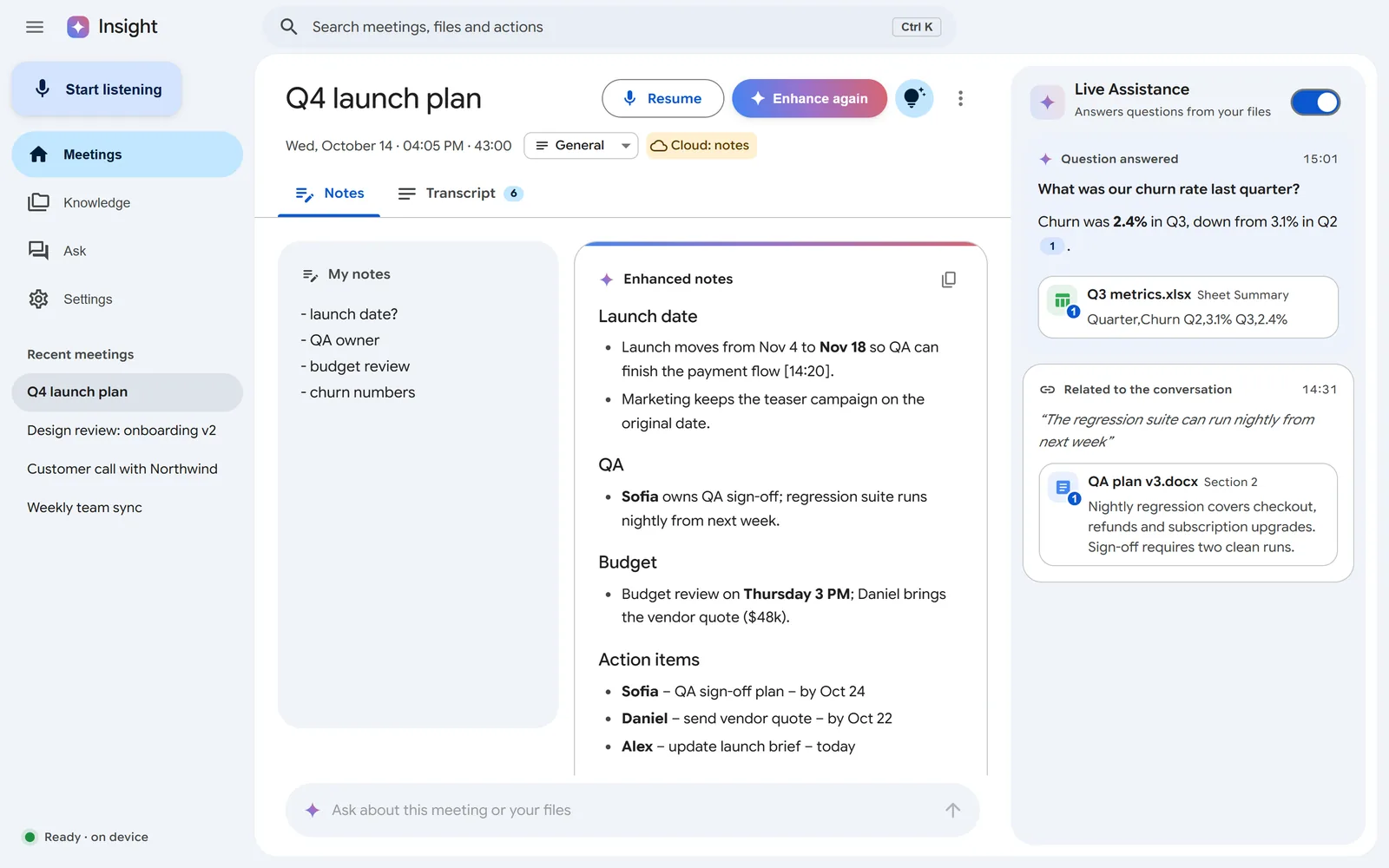
A meeting, live · Q4 launch plan
14:12
Every voice. On your PC.
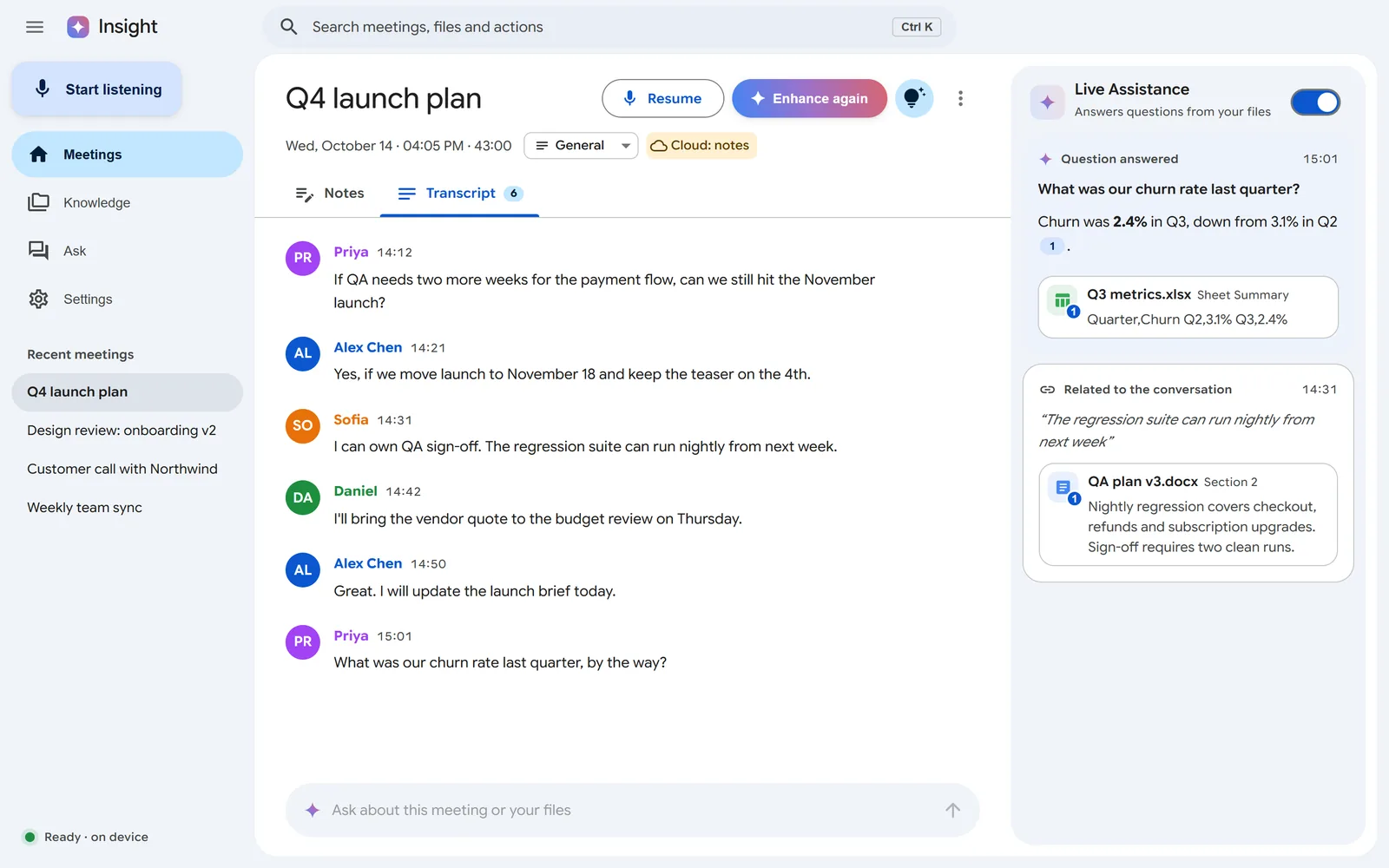
Your microphone and whatever your PC plays, transcribed as people talk. Speakers are told apart by voice.
Q4 launch plan REC
PR
Priya
If QA needs two more weeks for the payment flow, can we still hit the November launch?
AL
Alex Chen
Yes, if we move launch to November 18 and keep the teaser on the 4th.
SO
Sofia
I can own QA sign-off. The regression suite can run nightly from next week.
PR
Priya
What was our churn rate last quarter, by the way?
✦ Answered live · 15:01
Churn was 2.4% in Q3, down from 3.1% in Q2.
Q3 metrics.xlsx · Summary
✦ Enhanced notes · 15:05
Launch date
Launch moves from Nov 4 to Nov 18 so QA can finish the payment flow.
Action items
Sofia · QA sign-off plan · by Oct 24
Alex · update launch brief · today
✓Update the launch brieftoday
Send Sofia the updated QA plantomorrow
Pip: You promised Sofia the QA plan. No pressure. Some pressure.
Runs on your PC. Stays on your PC.
With on-device AI and no accounts connected, Insight makes no network calls after setup. Cloud AI and Google or Microsoft sign-in are options you turn on.
Network calls after setup
0Go on, pull the plug.
●Transcribing · 00:00
Notes, Ask, live answersGemma 4 through llama.cpp on CUDA, Vulkan or CPU
on your PC
SearchEmbeddingGemma, always local
on your PC
SpeechSenseVoice and Parakeet via sherpa-onnx, or whisper.cpp
on your PC
Who said whatVoiceprints, kept per meeting
on your PC
Keys and sign-insEncrypted by Windows
on your PC
Cloud AIGemini or any OpenAI-compatible endpoint, with a badge on every meeting that used it
your choice
Google and Microsoft 365Read-only by default. Drafts and events only after you confirm. Never sends mail.
your choice
One more thing
A pet that lives on your desktop.
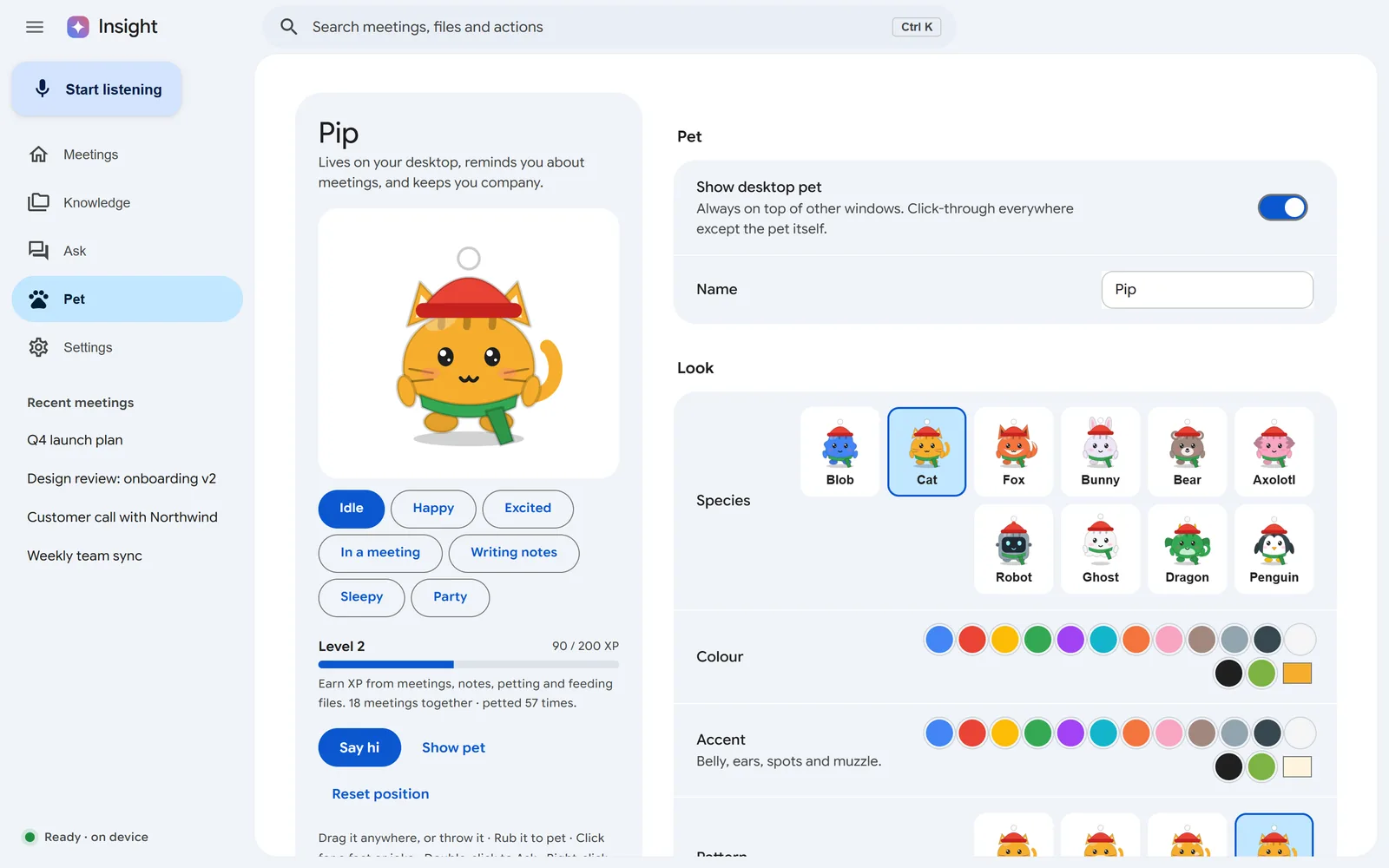
It sits on top of your windows, tells you when meetings start, takes notes when you ask and levels up as you work together. Clicks pass through everywhere except the pet. The Pip on this page does all of it. Try a card, or right-click Pip. It turns into a different pet in each section, each with its own personality. Pick one to keep it, or Auto.
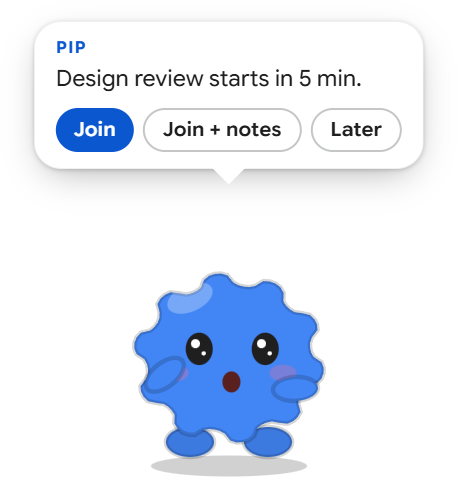
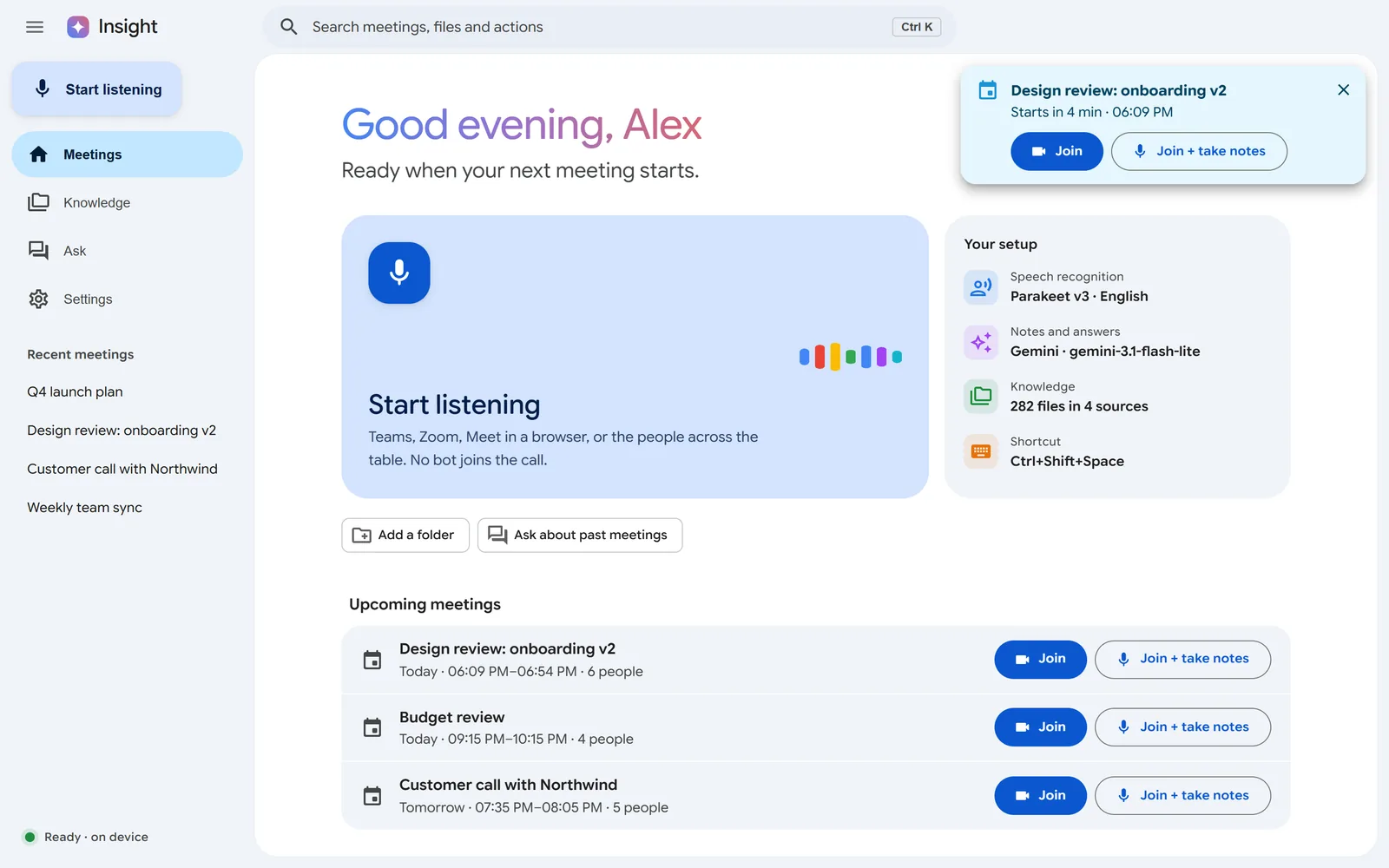
On time, every time.Join, or Join + notes in one click.
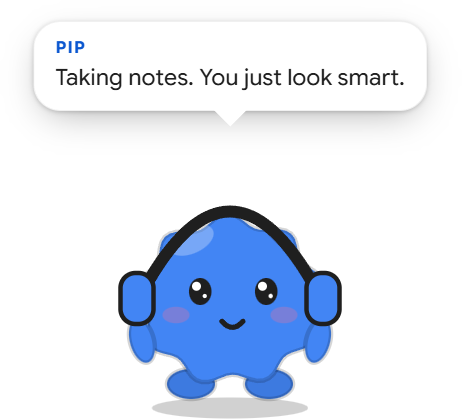
In the meeting with you.Headphones on while it listens.
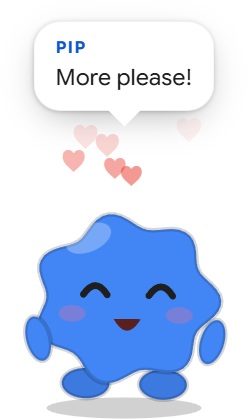
Needy, in a good way.Rub it. It remembers.
The real app.
Drag, swipe or use the arrows
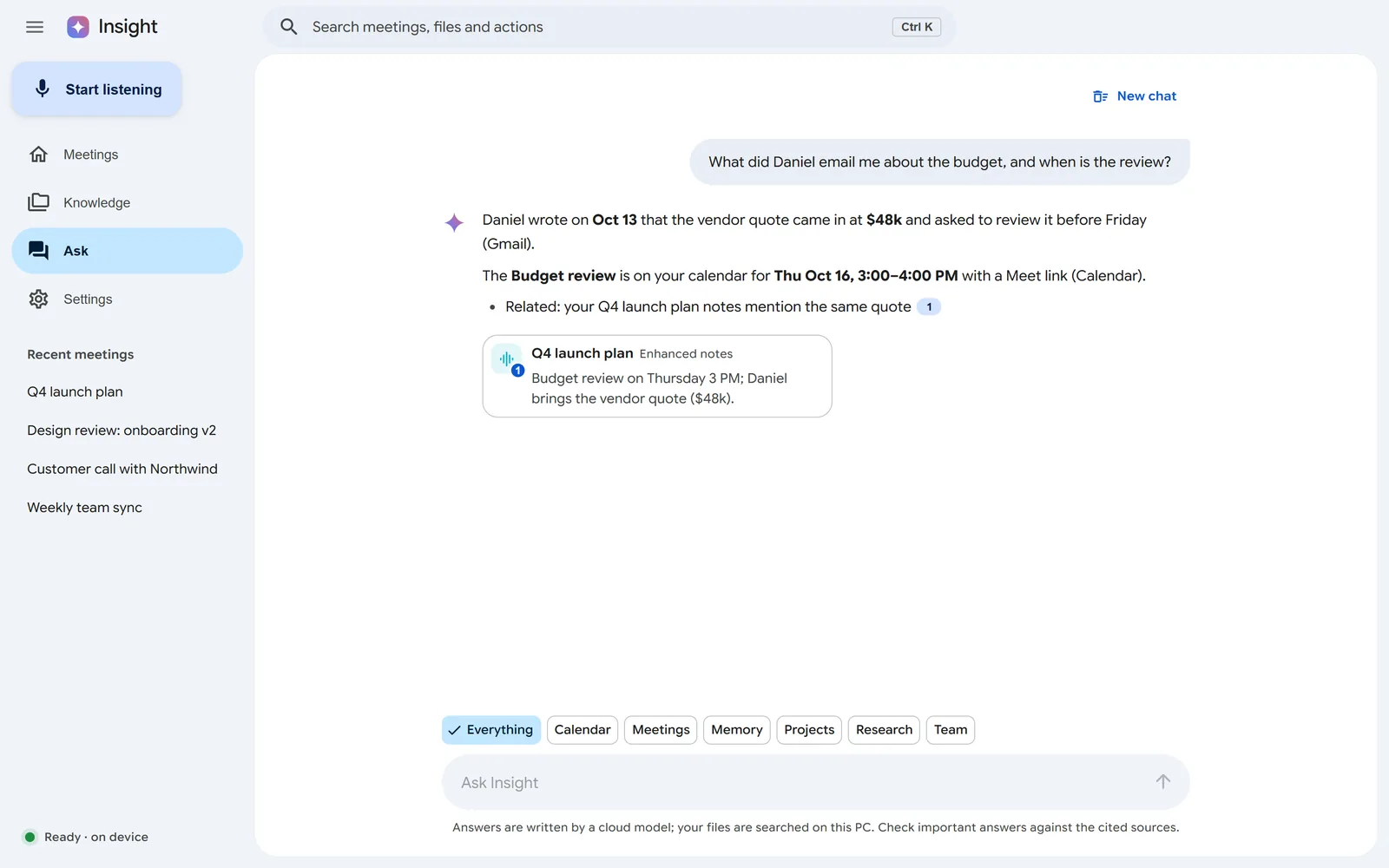
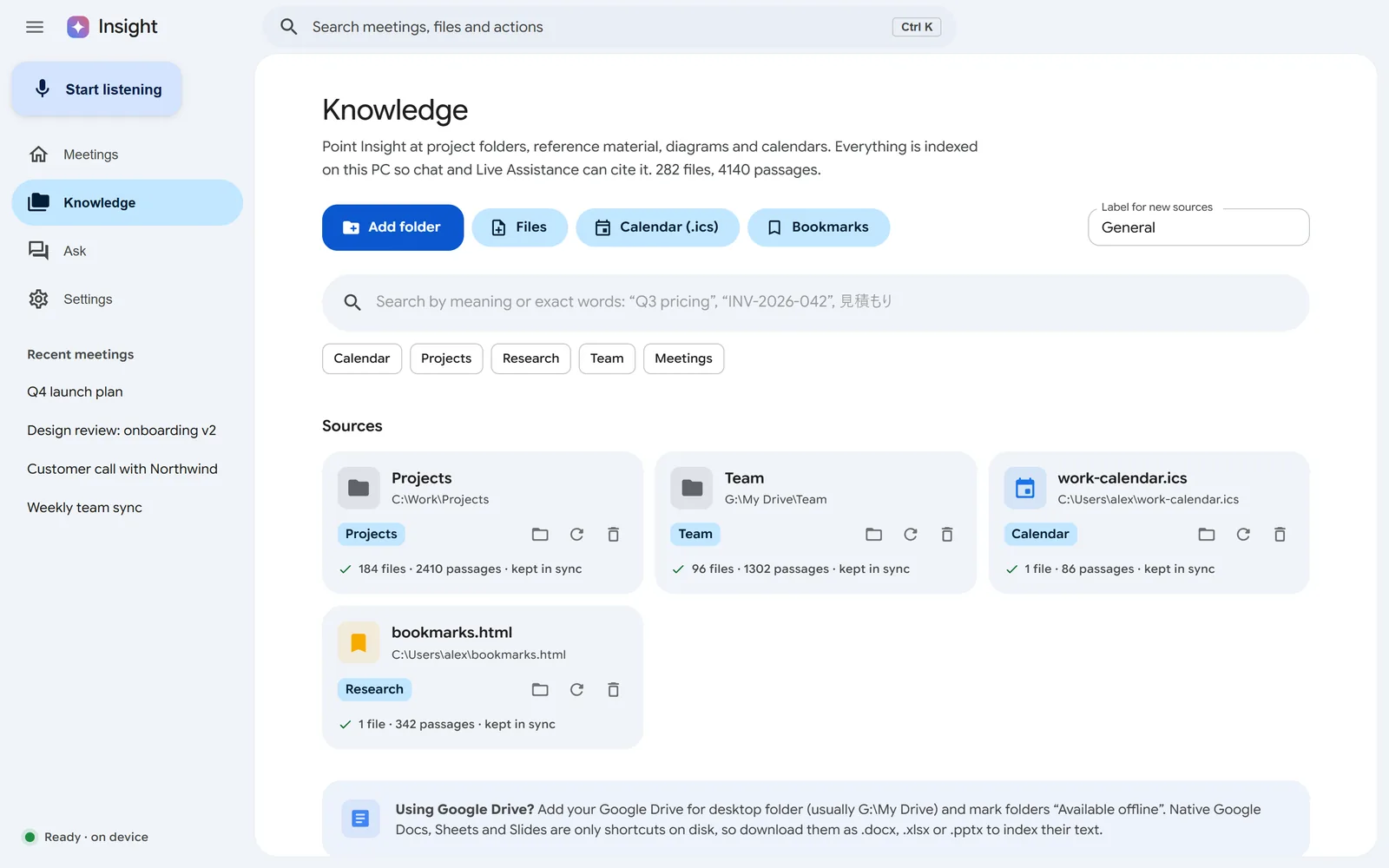
TranscriptEvery voice, with live answers beside it.NotesYour shorthand plus the transcript, written up.AskEvery file and meeting, with sources.HomeWhat's next, with Join + notes.KnowledgeFolders, calendars and bookmarks, indexed on your PC.PetSpecies, colours, hats and moods.
And the rest of your day.
Live captions Ctrl Shift L
An always-on-top caption bar, translated line by line.
Briefs before you walk in
Last time with these people, what you owe them, related files and mail.
Follow-ups in your tone
Formal or friendly drafts from the notes. You press send.
People
Everyone you've met, and who owes whom.
Slides, captured
Shared slides saved and read during the call. Off until you turn it on.
Friday at 4
A recap card of your week, including the meeting that could have been an email.
Search everything Ctrl K
Meetings, files and actions from one box.
Start anywhere Ctrl Shift Space
Start or stop listening while Teams or Zoom has focus.
39 languages
The interface follows Windows, right-to-left included.
New in 0.5
Pets that visit your team.
Pick the folder your team already syncs. Your pet walks over to a teammate's screen. No new server, just small files your sync app moves.
WaveA hello on their screen.
Find timeFits work hours, time zones and calendars.
Send notesThey choose to save them.
Stand-upPre-filled from your promises.
YouSofia
Insight 0.5 for Windows 10 & 11
Free. Ready when you are.
Tell us your name and email and the download starts right away. Open source, MIT licensed, no admin rights needed.
Live
downloads and counting
0people signed up
0waiting for Mac
Your download has started.
Thanks, . Open Insight-Setup-0.5.0.exe when it finishes. Didn't start? Download again.
You're #1
Bring your team. Share your link:
Windows may say "Windows protected your PC": More info → Run anyway.
 Insight